
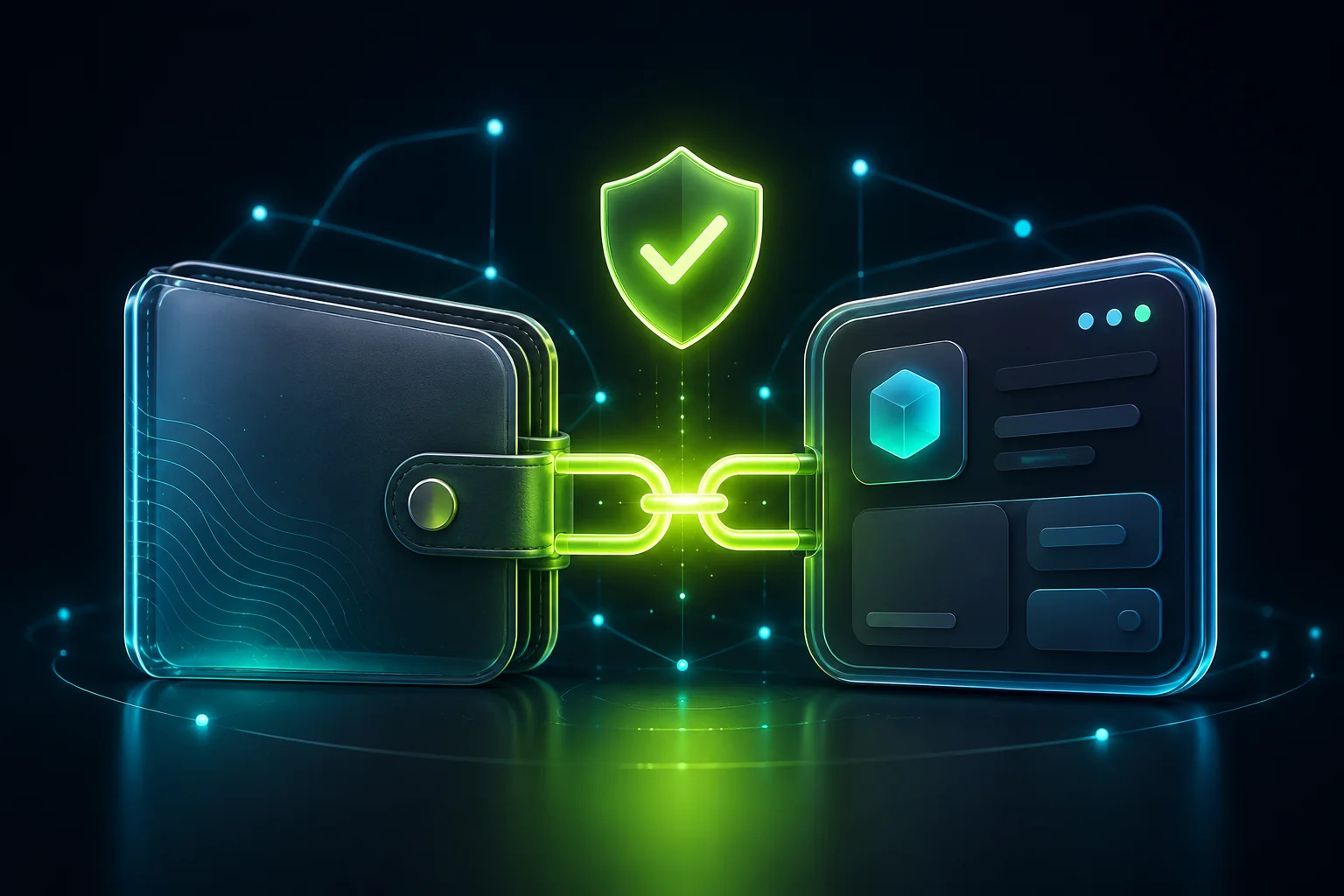
TON Connect is the standard that lets a TON wallet — such as Tonkeeper, the Wallet in Telegram, or MyTonWallet — link to an app or mini app. It is what appears when a site or bot asks to 'connect wallet'.
Connecting is normal and, done right, safe. But wallet-connection prompts are also a favourite target for scams, so it helps to know exactly what a connection does, what it never does, and where to be careful.
Key takeaways
- TON Connect is an open standard for linking a TON wallet to an app; you approve the connection in your wallet.
- Connecting shares your public address and lets the app propose transactions — it does not move your funds by itself.
- Every transaction still needs your explicit approval in the wallet; read what you are signing before you confirm.
- Your seed phrase (recovery phrase) is never part of TON Connect. No legitimate app or wallet asks you to type it into a site or bot.
- Connect only from the official app or mini app, and disconnect apps you no longer use. 18+.
What TON Connect is
TON Connect is an open protocol in the TON ecosystem that links a wallet to an application. Instead of copying addresses by hand, you approve a connection once, and the app can then show your address and propose actions that you confirm in the wallet.
It is used widely across TON apps and Telegram mini apps. The wallet stays in control: the app can ask, but nothing happens on-chain until you approve it in the wallet you hold.
What connecting does — and doesn't do
Connecting reveals your public wallet address to the app and lets it request transactions. That is useful and normal. What it does not do is hand over control: it does not move funds automatically, and it never exposes your private key or seed phrase.
Think of it as showing your address and opening a request channel. Each request — a deposit, a signature, a token approval — appears in your wallet for you to accept or reject. If you reject, nothing happens.
Reading a connection or transaction request
When a connection prompt appears, check the app or domain name it shows: it should match the official site or mini app you started from. When a transaction request appears, read the amount, the destination and what the transaction actually does before approving.
A common trap is a 'connect' that immediately asks you to sign a transfer of your whole balance, or a transaction whose details do not match what you expected. If the request and the action do not line up, reject it and check the source.
The one rule: never share your seed phrase
Your seed phrase (the 12- or 24-word recovery phrase) restores full control of your wallet. TON Connect never needs it, and no legitimate wallet or app will ever ask you to type it into a website, a bot, or a form. Anyone who does is trying to steal your funds.
Keep the phrase offline, never paste it anywhere online, and never share it in chat — not with 'support', not to 'verify' a wallet, not to 'unlock' anything.
Staying safe with wallet connections
- Start the connection from the official app, site or mini app — not from a forwarded link or an ad.
- Check that the domain shown in the connect prompt matches the official one.
- Approve only transactions whose amount and destination you understand.
- Keep larger funds in a separate wallet from the one you connect to apps.
- Review connected apps in your wallet's settings and disconnect any you no longer use.
- Never enter your seed phrase anywhere online — TON Connect never asks for it.
This material is informational and about wallet safety; it does not invite anyone to gamble. Gambling is for adults aged 18 or over and can lead to loss of the full amount staked.
Frequently asked questions
Does connecting a wallet with TON Connect give an app my funds?
No. Connecting shares your public address and lets the app propose transactions. Nothing moves until you approve each transaction in your wallet, and your seed phrase is never shared.
Will TON Connect ever ask for my seed phrase?
No. Your seed phrase is never part of TON Connect. Any site, bot or 'support agent' that asks you to type your recovery phrase is trying to steal your wallet.
How do I check a connection is legitimate?
Start from the official app or mini app and confirm the domain shown in the connect prompt matches it. For each transaction, read the amount and destination before approving.
Can I disconnect an app later?
Yes. Wallets let you review connected apps in their settings and disconnect any you no longer use. Disconnecting is good hygiene for apps you have stopped using.
Sources
- TON Docs — TON Connect — docs.ton.org
- Tonkeeper — official wallet — tonkeeper.com
- TON — official website — ton.org